
Hardware.
Your setup.
Working together.
VyseXD requires a two-PC setup and runs on your secondary PC.
Your primary PC runs the game and supplies the video feed.
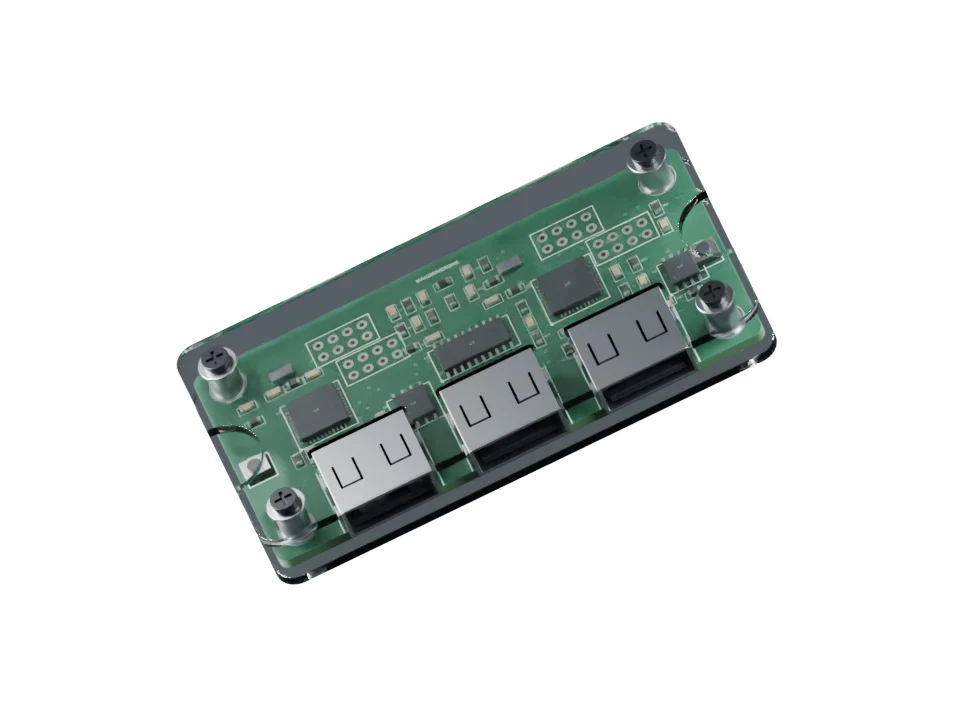
System requirements.
The essentials for your secondary PC
and the hardware connecting your setup.
PRIMARY PCYour game + video source
SECONDARY PCVyseXD + compatible GPU
OUTPUT DEVICEMakcu + Medius firmware
- Operating system
- Windows 10 and Windows 11
- CPU support
- AMD and Intel CPUs
- GPU support
- AMD or NVIDIA GPU
- Recommended GPU
- NVIDIA RTX 1650 / AMD Radeon RX 6600 or better
- Minimum RAM
- 8 GB
- Capture Source
- Capture Card, OBS UDP, OBS TurboStreamer
- Detection models
- Compatible YOLO ONNX models (FP16/FP32)
- Required hardware
- Makcu Device with Medius firmware
GPU models shown are recommendations. Available capture frame rates depend on your card. Aim and trigger output require a Medius device.
THE NEXT CHAPTEROur hardware lineup.
Our hardware lineup.
Coming soon.
We're preparing the next part of the VyseXD ecosystem. Join our Discord for hardware updates and Medius firmware installation support.
Get updates on Discord